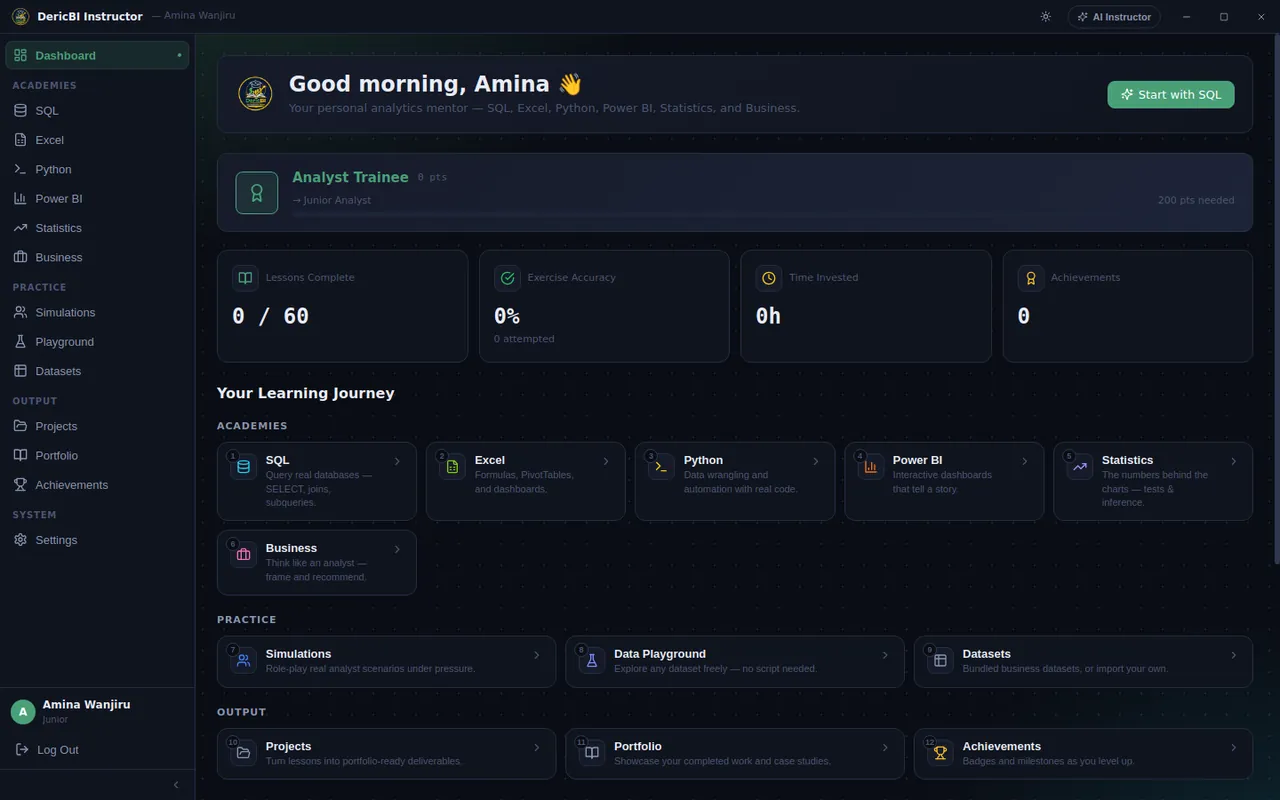
SQL Academy
From SELECT to window functions. You write real queries against real patient and billing tables and get instant, specific feedback.
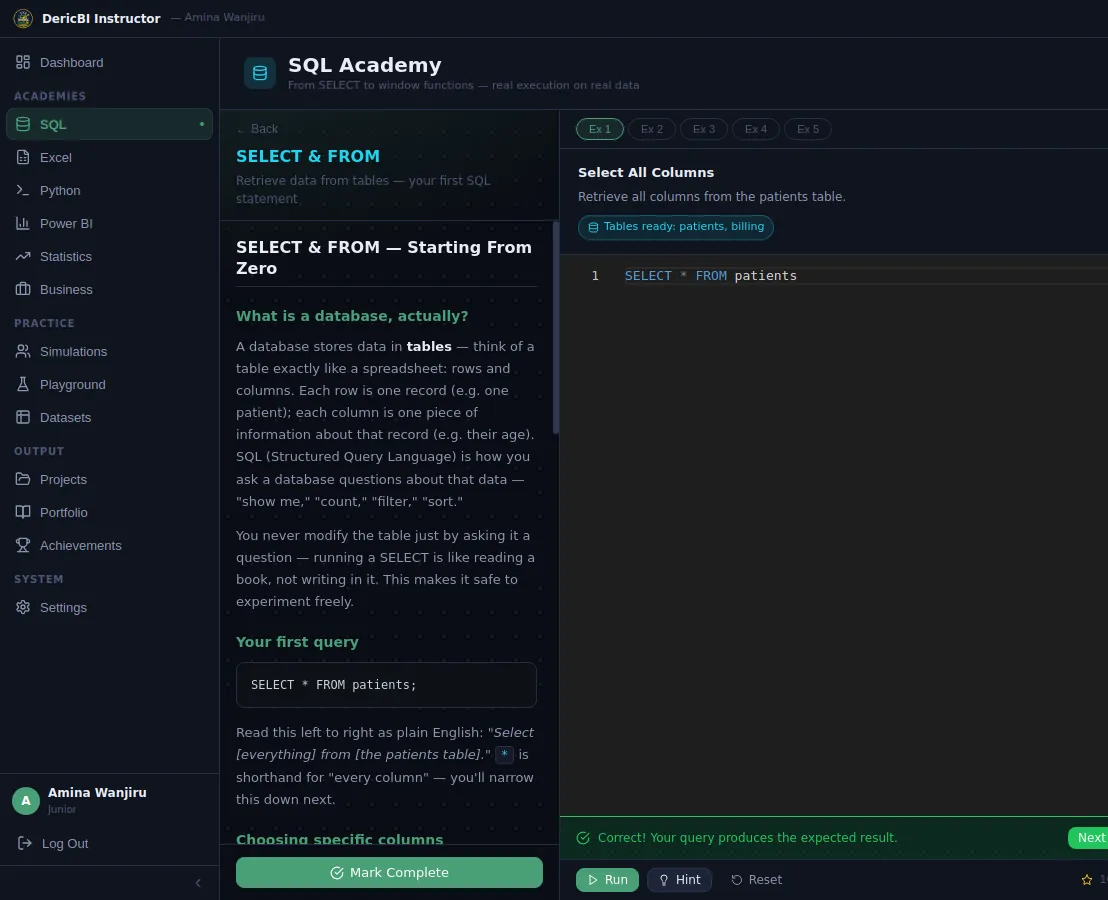
DericBI Instructor is a personal analytics mentor: 60 guided lessons and 129 practice exercises across SQL, Excel, Python, Power BI, Statistics and Business, with real data, instant feedback and an optional AI tutor.
Follow along and tick each step off as you go. Your progress on this checklist is remembered on this device.
DericBI Instructor runs on Windows 10 and 11 computers. It looks like you're not on a Windows PC right now. You can still get your license key now, then open this page on your Windows computer to download and install.
Message us on WhatsApp and we'll send you today's price and payment details. Pay by M-Pesa (+254 791 360 805) or the other methods we share, and we reply with your personal license key. It starts with DBI-.
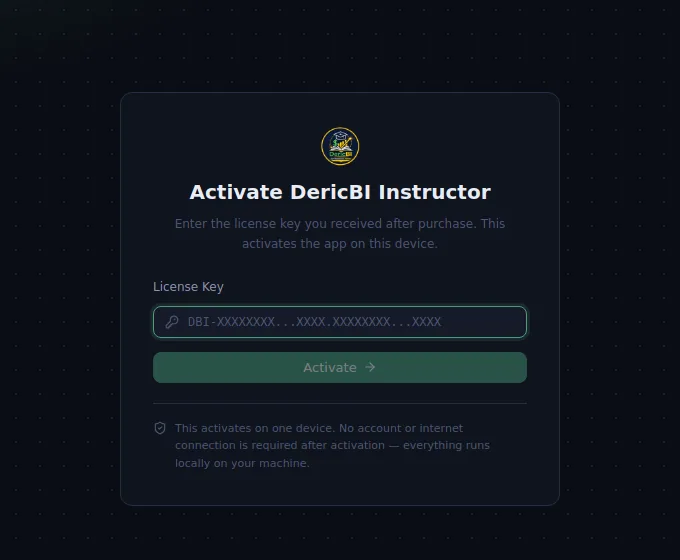
Keep the message with your key. You'll paste it into the app in step 4. Your license activates DericBI Instructor on your own computer.
The installer comes straight from our official GitHub releases page, so you always get the newest version.
Why does Windows warn me? That screen appears for new apps from small independent publishers whose installer hasn't built up download reputation yet. It appears once, during installation. Only install files from this page or sent to you by us.
Seeing "not valid"? Copy the whole key again, from DBI- to the very last character. See the help section below if it still doesn't work.
Lessons unlock one after another as you complete the exercises, so you always know what to do next. Aim for one lesson a day.
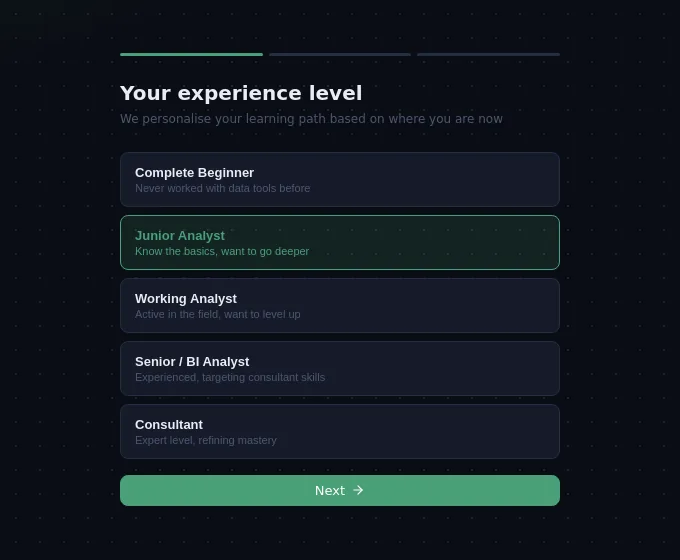
Each academy has 10 lessons that move from beginner to advanced, each with theory, practice exercises and a quiz.
From SELECT to window functions. You write real queries against real patient and billing tables and get instant, specific feedback.
Formulas, PivotTables and dashboard design, practised inside a built-in spreadsheet. No Excel licence needed.
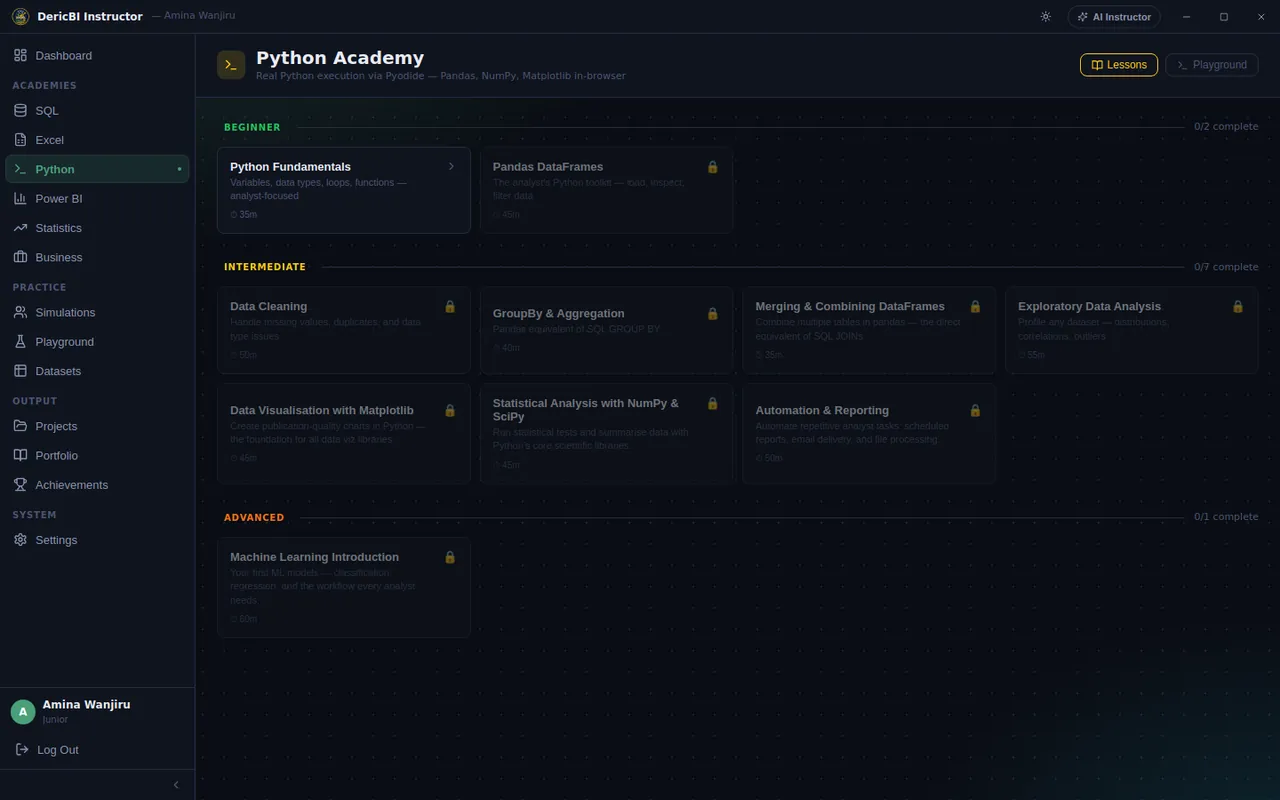
Python fundamentals through data wrangling to an introduction to machine learning, running code right inside the app.
Guided walkthroughs from Power BI fundamentals to publishing and sharing. You work in Microsoft's free Power BI Desktop while the app coaches you.
Descriptive statistics to time series, with the numbers behind the charts explained plainly.
Think like an analyst: frame the question, tell the story and drive adoption and change.
| Feature | Internet needed? |
|---|---|
| Installing and activating | Download once. Activation works offline. |
| SQL, Excel and Business lessons | Work fully offline |
| Your account and progress | Stored on your PC, offline |
| Python and Statistics code practice | Internet the first time to download the Python engine, then it's cached |
| Power BI lessons | You need Microsoft's free Power BI Desktop installed on your PC |
| AI Instructor (optional) | Needs internet and your own free API key |
Every lesson works without it. Add a free key and you also get a tutor that explains concepts, reviews your answers and coaches you through Power BI.
Free plans have daily limits. If you reach one, wait until tomorrow or switch to another provider in Settings.
Windows shows this screen for new apps from small independent publishers that haven't built up download reputation yet. Click More info, then Run anyway. It only appears once, during installation. Only install files downloaded from this page or sent to you by us.
A license is for one learner on one PC, and the activation is tied to the computer it was activated on. If you get a new computer, message us on WhatsApp and we'll help you move across.
Yes. Your account and lesson progress live in your Windows user profile, not inside the program, so updating or uninstalling keeps them. Reinstall and sign in to carry on where you left off.
DericBI Instructor checks for updates when it starts and asks before downloading one. You can also open Settings and click Check for Updates, or simply download the newest installer from this page and run it over your current version.
On the sign-in screen choose the forgot-password option, enter your email and answer the security question you set up when you created your account.
Not yet. DericBI Instructor needs Windows 10 or 11 (64-bit). You can still get your license key now and use it when you're on a Windows computer.
Open Windows Settings, go to Apps, find DericBI Instructor and choose Uninstall.
Message us on WhatsApp with a screenshot and a short description, and we'll help you get going.
Get your key, install in minutes and finish your first lesson today.